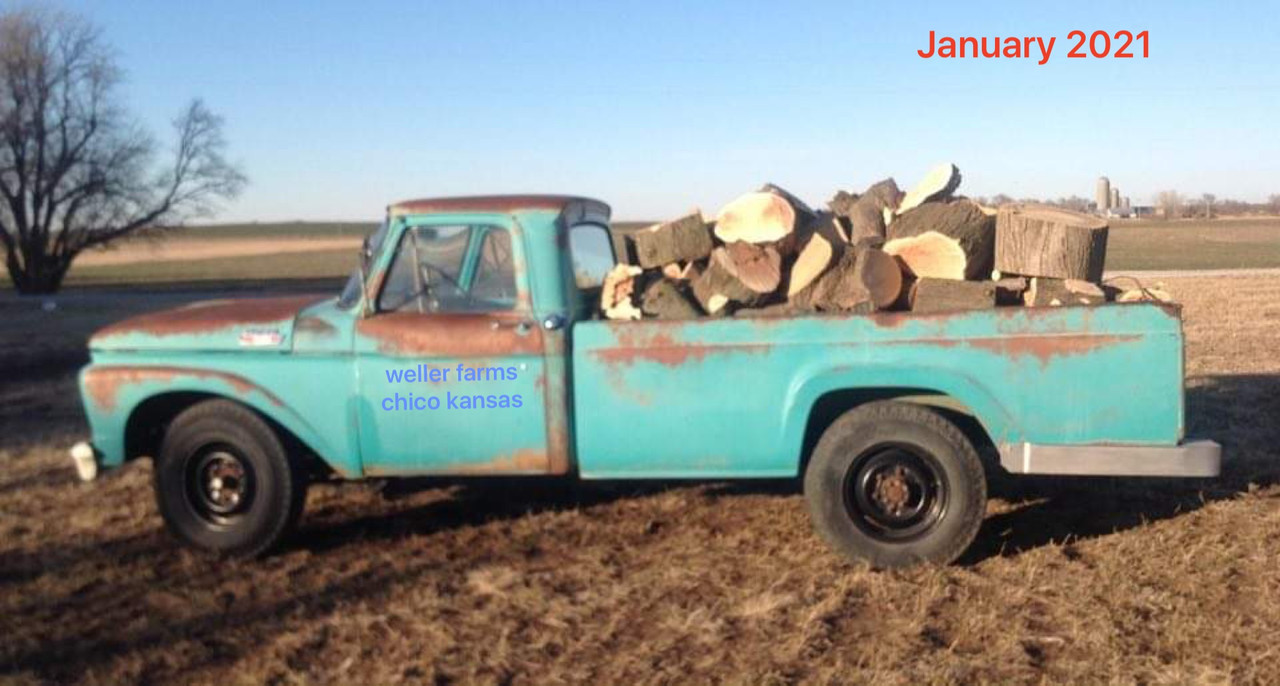

Slowly but surely I am migrating my forum post images to Postimage.
I don’t use a computer anymore since the pup chewed my cable. I do everything on my IPad tablet and I will show you here how I do it.
Sign into your Postimage account... sign into your slick60’s account..

I clicked on the top image and it brought me to the placeholder on Photobucket.
I clicked the gear link and hit download.

When the photo opens in download, I clicked on the image so the “save image” block opened.

It saved it to my photo album on my iPad.

Open your Postimage account(make sure you are logged into your account or it goes to Narnia)


I’m now using the thumbnail for forum link. Click on far right so it copies the entire link.

Go back to your slick60’s forum and edit the post you are working on. Delete the old Photobucket link. Replace with new Postimage link

Make sure you hit save on the edited post.